(WI-92) Animated Wedding Invites Course

By Krushi Gada
Categories: Design
About Course
Transform Your Creativity with Our Exclusive 2-Month Certified Online LIVE Animated Wedding Invites Course!
Join Design Arc Academy, Pune, and master the art of creating captivating animated wedding invites! This hands-on course will teach you how to design stunning, personalized wedding invitations using Adobe After Effects and Photoshop. Whether you want to kickstart a freelance career or expand your creative portfolio, this course equips you with the skills to shine in the booming wedding industry!
Course Content
Wedding Invites Classes
-
Class 1 – Intro To AI & Tools
01:01:19 -
Class 2 – Video Generation & Text Placement
01:08:47 -
Class 3 – Student Review & Doubt Solving
41:43 -
Class 4 – Introduction to Software
01:08:17 -
Class 5 – Download images & Rotation Manual
56:46 -
Class 6 – Position , Scale , Opacity
52:10 -
Class 7 – Gradient bg and text
37:51 -
Class 8 – Text Holding, 3d Text Effect
45:09 -
Class 9 – Smoke , Wiggle – Rotation
28:53 -
Class 10 – Water Movement, Fairy Lights, Gif Download
40:48 -
Class 11 -Rendering, Handbrake – Adding Song
39:15 -
Class 12 – Swing Movement, Fill Effect
34:24 -
Class 13 – Puppet Position Pin tool
01:03:44 -
Class 14 – Door Movement, Logo Shine Effect
01:13:47 -
Class 15 – Caricature
01:03:39 -
Class 16 – Ink Splash Effect
43:27 -
Class 17 – Water Fountain
51:17 -
Class 18 – Page Shifting
49:10 -
Class 19 – Page Turn
48:06 -
Class 20 – Introduction & Basic Knowledge of Mobile Apps
01:02:38 -
Class 21 – Image / Scene Generation & Story Generation
01:02:34 -
Class 22 – Caricature Generation & Character Development
46:29 -
Class 23 – Animating Scene & Character (Eyes & Head Movements)
53:22 -
Class 24 – Final Video Generation Including Transitions & Story Narration
54:51
Certification
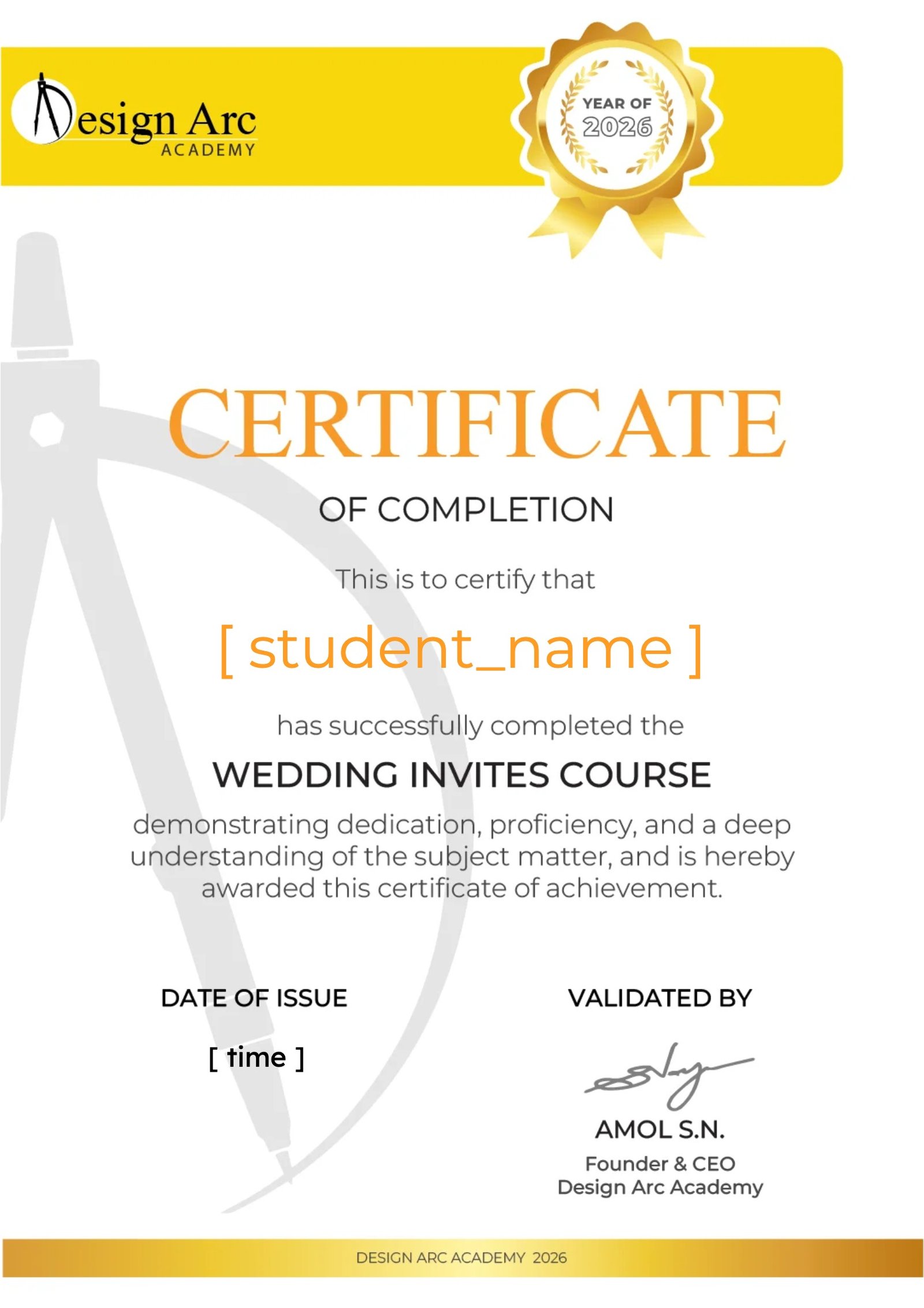
Earn a certificate
Add this certificate to your resume to demonstrate your skills & increase your chances of getting noticed.
Student Ratings & Reviews

I loved it and i will give recommendation to everyone..

Want to receive push notifications for all major on-site activities?
✕