(WI-104) Animated Wedding Invites Course
About Course
Transform Your Creativity with Our Exclusive 2-Month Certified Online LIVE Animated Wedding Invites Course!
Join Design Arc Academy, Pune, and master the art of creating captivating animated wedding invites! This hands-on course will teach you how to design stunning, personalized wedding invitations using Adobe After Effects and Photoshop. Whether you want to kickstart a freelance career or expand your creative portfolio, this course equips you with the skills to shine in the booming wedding industry!
Course Content
Wedding Invites Classes
-
Welcome Class
40:28 -
Design Process
56:02 -
Class 1 – Introduction to AI
36:57 -
Class 2 – Video Generation
40:50 -
Class 3 – Merging of videos
59:33 -
Class 4 – Introduction to software
31:26 -
Class 5 – Placement and adjustment
24:59 -
Class 6 – Basic animation
30:21 -
Class 7 – Text animation
24:24 -
Class 8 – Blinking, bending, position along path and dotted line effect
32:00 -
Class 9 – Water effect and adjustment layer
27:08 -
Class 10 – Light effect, Alpha matte and masking
19:37 -
Class 11- Fountain, Parent and null effect and spotlight
30:20 -
Class 12 – Butterfly animation
13:41 -
Class 13 – Door and Swing animation
18:09 -
Class 14 – Curtain, smoke animation and how to add audio
23:48 -
Class 15- Stroke, carpet and confetti effects
21:52 -
Class 16 – Luma and ink splash effect
17:13 -
Class 17 – Transition and hand movement
18:50 -
Class 19 – Introduction on mobile invite
01:02:38 -
Class 20 – Image / Scene Generation & Story Generation
01:02:34 -
Class 21 – Caricature Generation & Character Development
46:29 -
Class 22 – Animating Scene & Character (Eyes & Head Movements)
53:22 -
Class 23 – Final Video Generation Including Transitions & Story Narration
54:51 -
Class 18 – Caricature
10:53
Expert Session
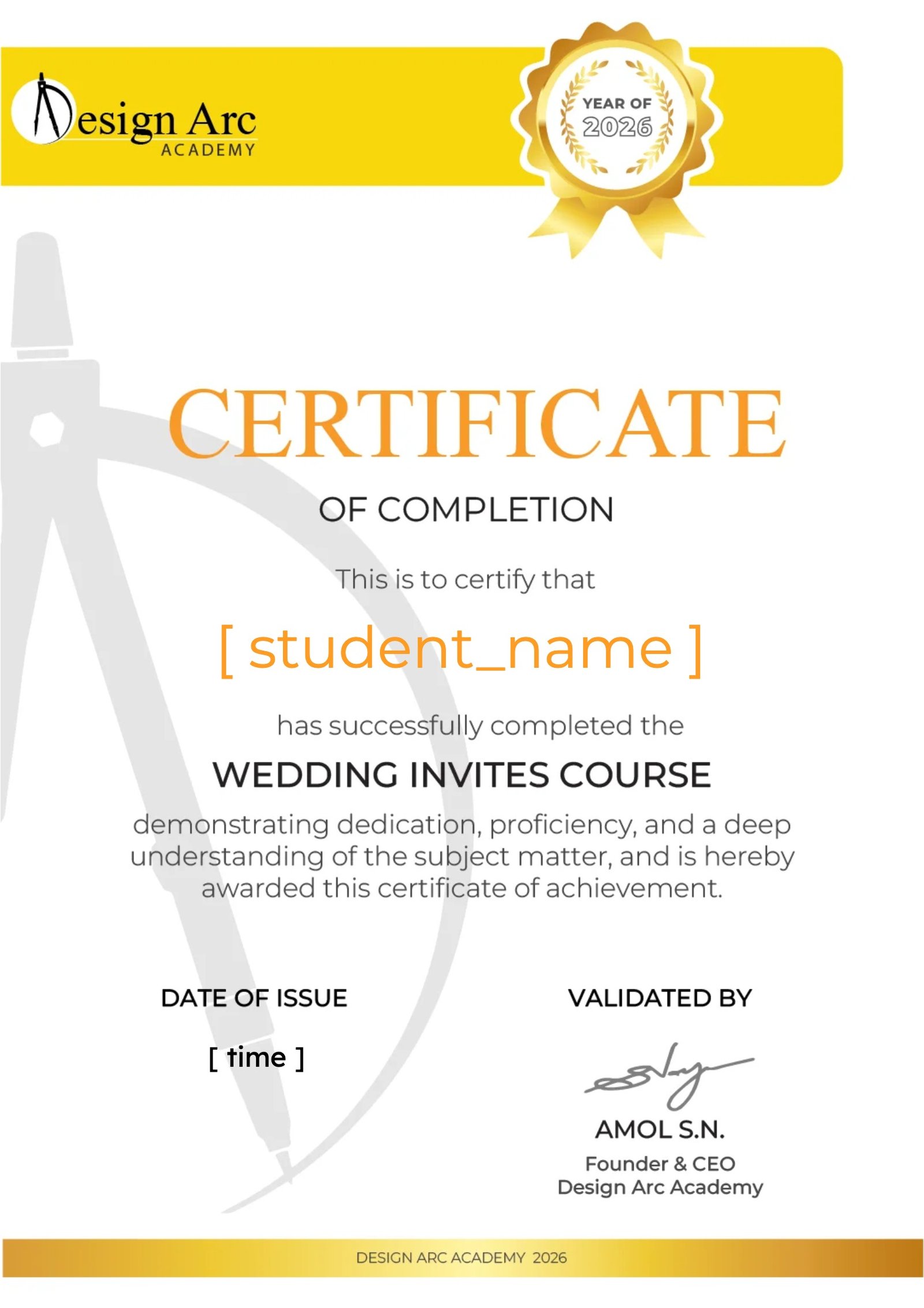
Certification
Earn a certificate
Add this certificate to your resume to demonstrate your skills & increase your chances of getting noticed.
Student Ratings & Reviews

No Review Yet

Want to receive push notifications for all major on-site activities?
✕