(PRO-37) Procreate for Beginners
About Course
Discover the Power of Digital Art with Our Exclusive 1-Month Certified Online LIVE Procreate for Beginners Course! Join Design Arc Academy, Pune, and take the first step into the exciting world of digital illustration! Whether you’re a hobbyist or aspiring professional, this hands-on course will help you master Procreate tools, techniques, and workflows to create stunning artwork like never before.
Course Content
Procreate Classes
-
Design Process
32:43 -
Procreate interface part 1
51:30 -
Procreate interface part2
34:05 -
Procreate interface part 3
49:14 -
Brushes in procreate
49:21 -
Digital illustration part 1
54:53 -
Digital illustration (Rendering)
52:41 -
Isometric garden
55:50 -
Crooqui design
58:08 -
Kali design
44:36 -
Lahenga illustration
55:44 -
Western wear illustration
42:56 -
Shortcuts in western illustration
50:22 -
Portrait drawing mastery in procreate part 1 [ Expert session ]
01:24:10 -
Portrait drawing mastery in procreate part 2 [ Expert session ]
01:46:55 -
Wedding caricature
38:04 -
Pattern class 1
40:08 -
Pattern class 2
40:43 -
Typography
56:56 -
Animation part 1
01:04:19 -
Animation part 2
59:52 -
Animation part 3
55:01 -
Flat Style Portrait
55:03
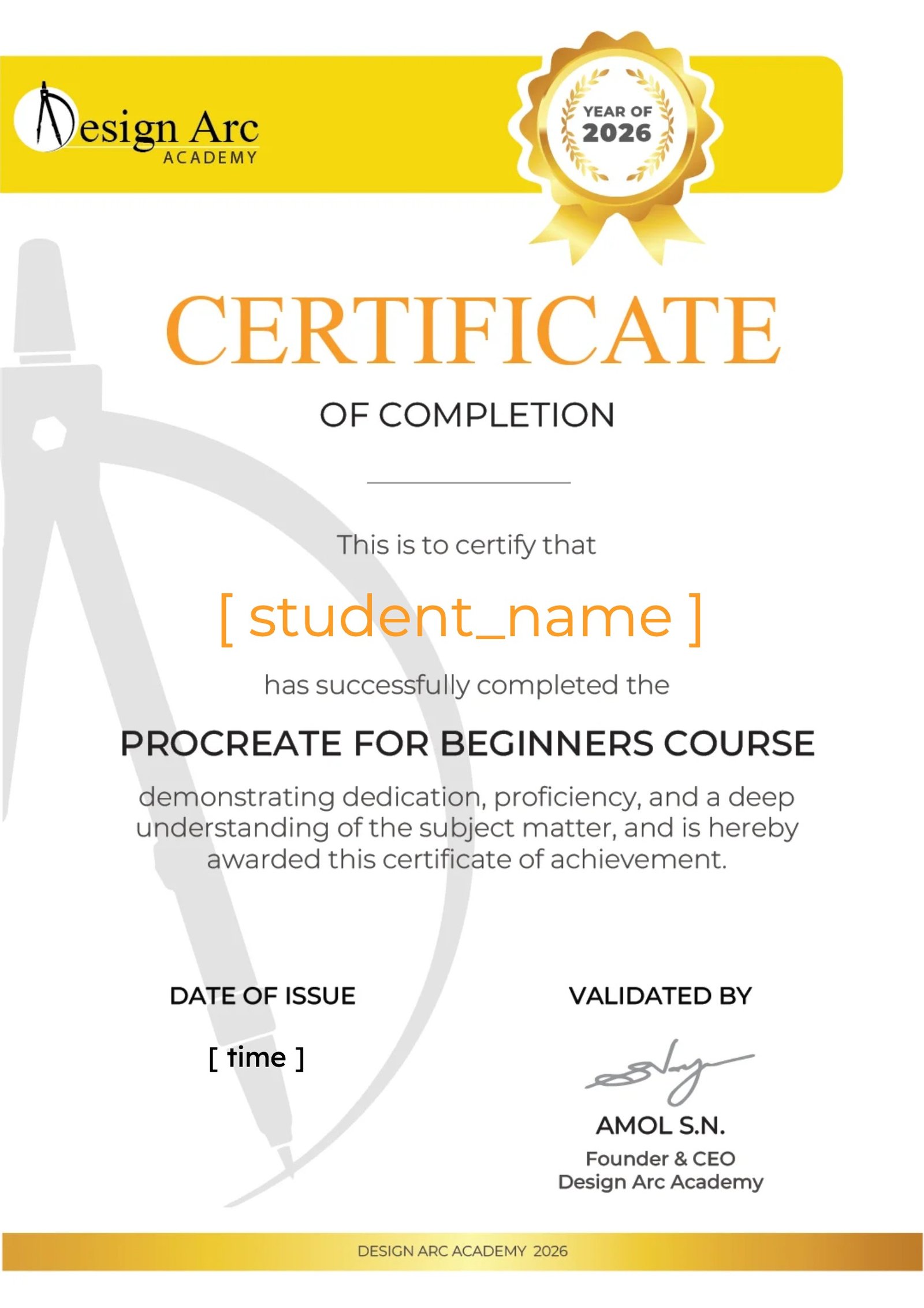
Certificate
Earn a certificate
Add this certificate to your resume to demonstrate your skills & increase your chances of getting noticed.


Want to receive push notifications for all major on-site activities?
✕
One area where I feel there is room for improvement is the trainer's engagement with the students. While the content was delivered well, I felt the learning experience could have been more interactive, warm and supportive. At times, it came across as a "teach the lesson and move on" approach rather than fostering a deeper connection with the students.
As a trainer myself, having worked with several leading retail beauty brands, one thing I have learned is that every student learns differently. Some grasp concepts quickly, while others need additional guidance and encouragement. A trainer's role is not only to teach but also to ensure that everyone in the class is progressing and understanding the material. Focusing on those who may be struggling can help create a stronger, more capable group by the end of the course.
That said, I am grateful for the learning experience and the skills I have gained through this program. Thank you. 🤗